Design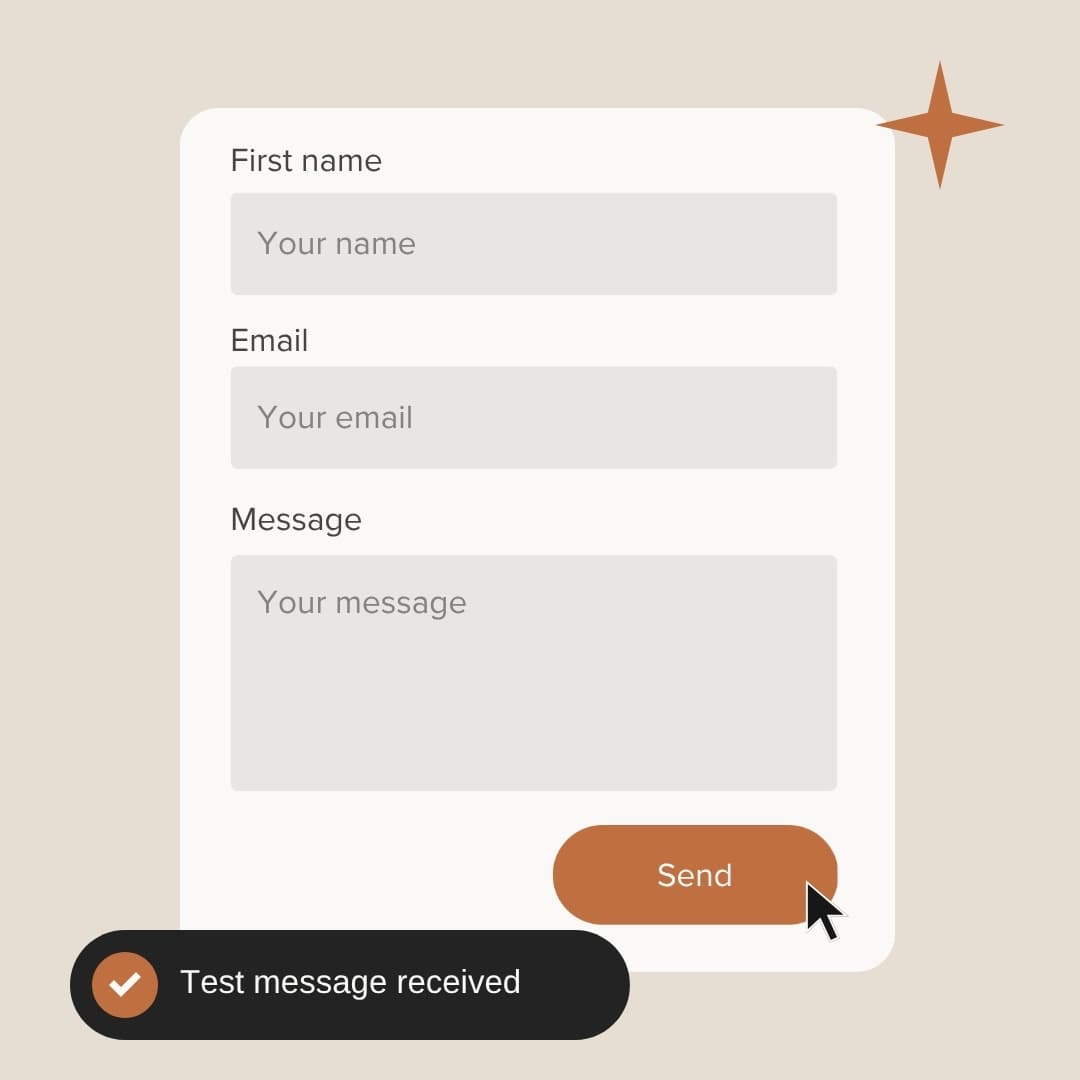
When did you last test your contact form?
2 min read
A contact form can stop working without anyone noticing. A visitor fills it in, presses send, sees a thank-you message and waits for a reply that never comes. You never knew they got in touch, and they decide you couldn’t be bothered to answer.
Why forms break
Most forms hand messages to an email service behind the scenes, and several things can go wrong there. A sending limit runs out, a password or key expires, the address the form sends to belongs to someone who has left, or the messages start landing in spam. None of it shows on the website itself.
Test it once a month
Set a reminder and fill in your own form from your phone, the way a customer would, using an email address you check. Make sure the message arrives, look in your spam folder if it doesn’t, and check that pressing reply goes to the customer rather than back to you.
A good form says when it fails
If a message can’t be sent, the form should say so and give the visitor another way to reach you, instead of showing a thank-you message regardless. If you’re not sure what yours does, ask your web designer. It’s a small fix, and without it you’ll never know what you missed.
Keep your phone number next to it
Some people would rather ring than type, and some will already have tried the form once. Put your phone number and email address beside the form, and make the number tappable on phones.
Ask only what you need
Every extra box is another reason to give up halfway. Ask for what you need to give a useful first reply, which for most trades is a name, a phone number or email, the town and a few words about the job.
Reply the same day
People often contact two or three businesses at once, and the first to reply has a head start. Even a short message the same day, saying you’ll ring tomorrow, keeps the enquiry warm.
Related service
Website redesigns
A slow or dated site rebuilt from scratch, with your content moved across.
Thinking about a new website?
It starts with a free, no-obligation chat. You get an itemised quote before any work starts.
Get in touch